Adjusting the laser head
Sometimes you might have a collision and disturb the alignment or you discover over time your cuts are not as straight as you would like for thicker cuts.
One reason for this could be the alignment of the laser head on the Y axis.
With the new redline there is no longer an adjustable mirror, however you can still adjust the beam but tilting the head slightly and making sure it is square with the bed.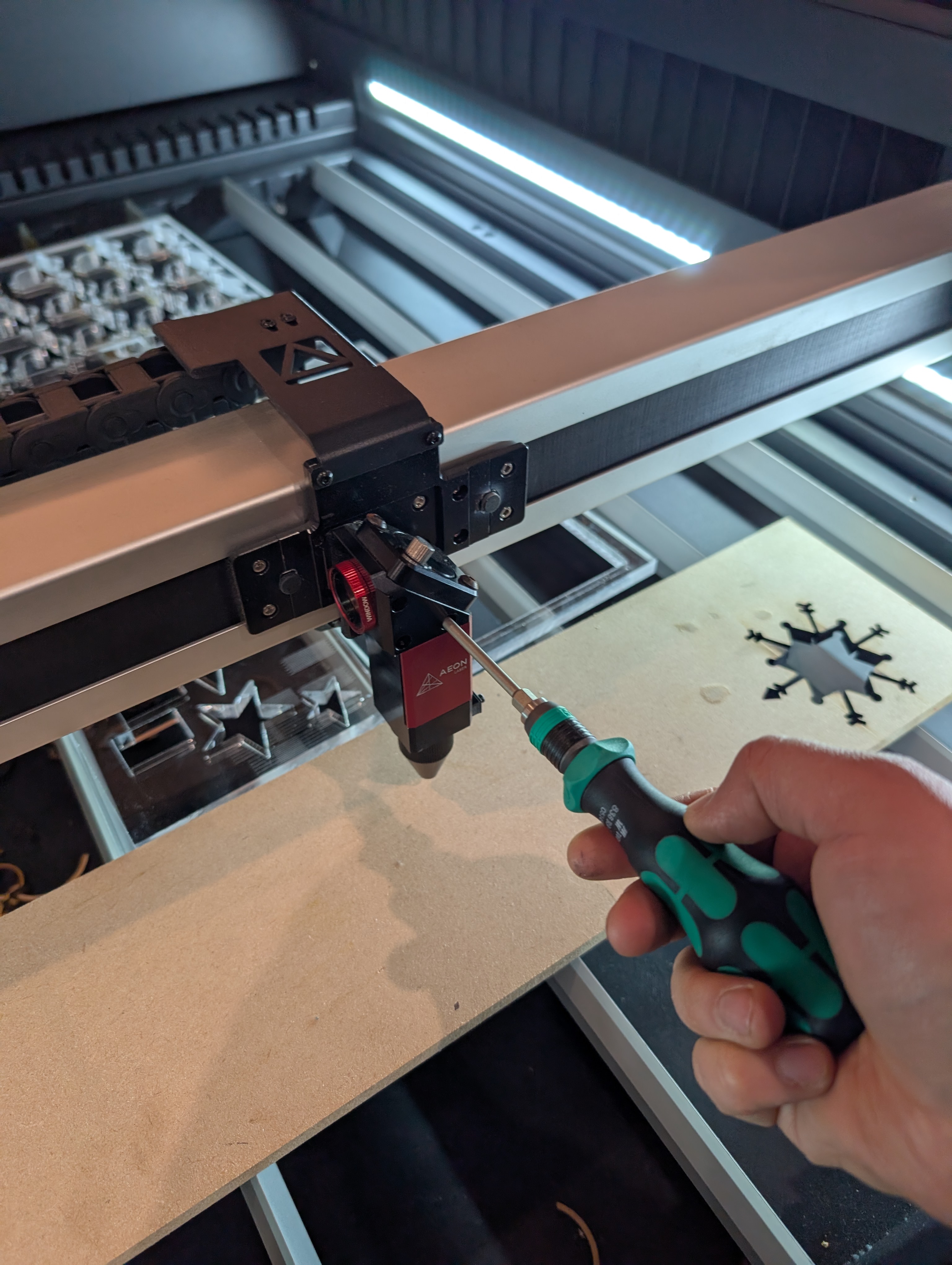
First remove the little caps and loosen the 3 screws holding the head to the rail.
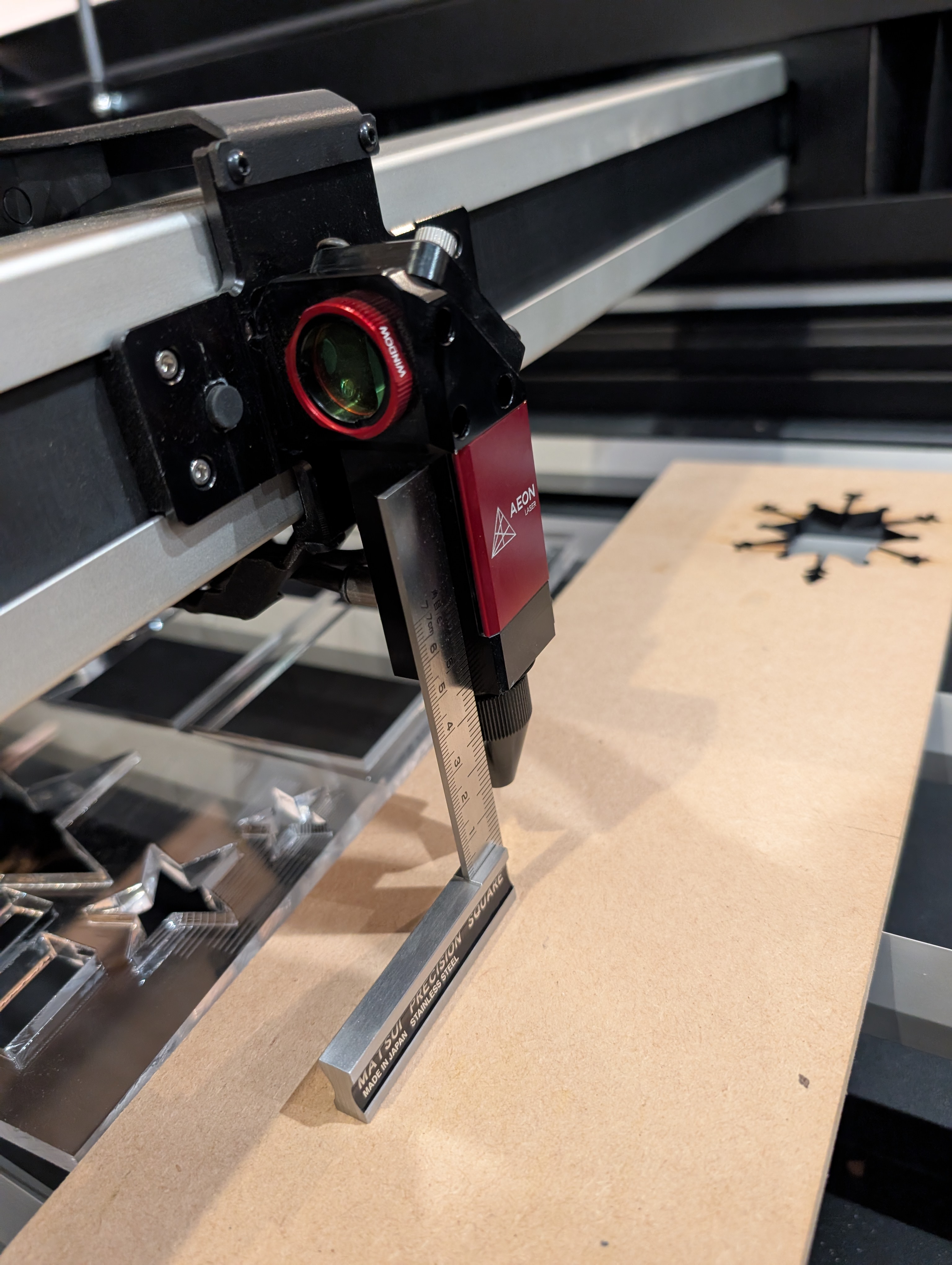
After the screws are loose, use a engineering square to ensure the head is 90 degrees with the bed. Top Tip ensure your bed is first level!
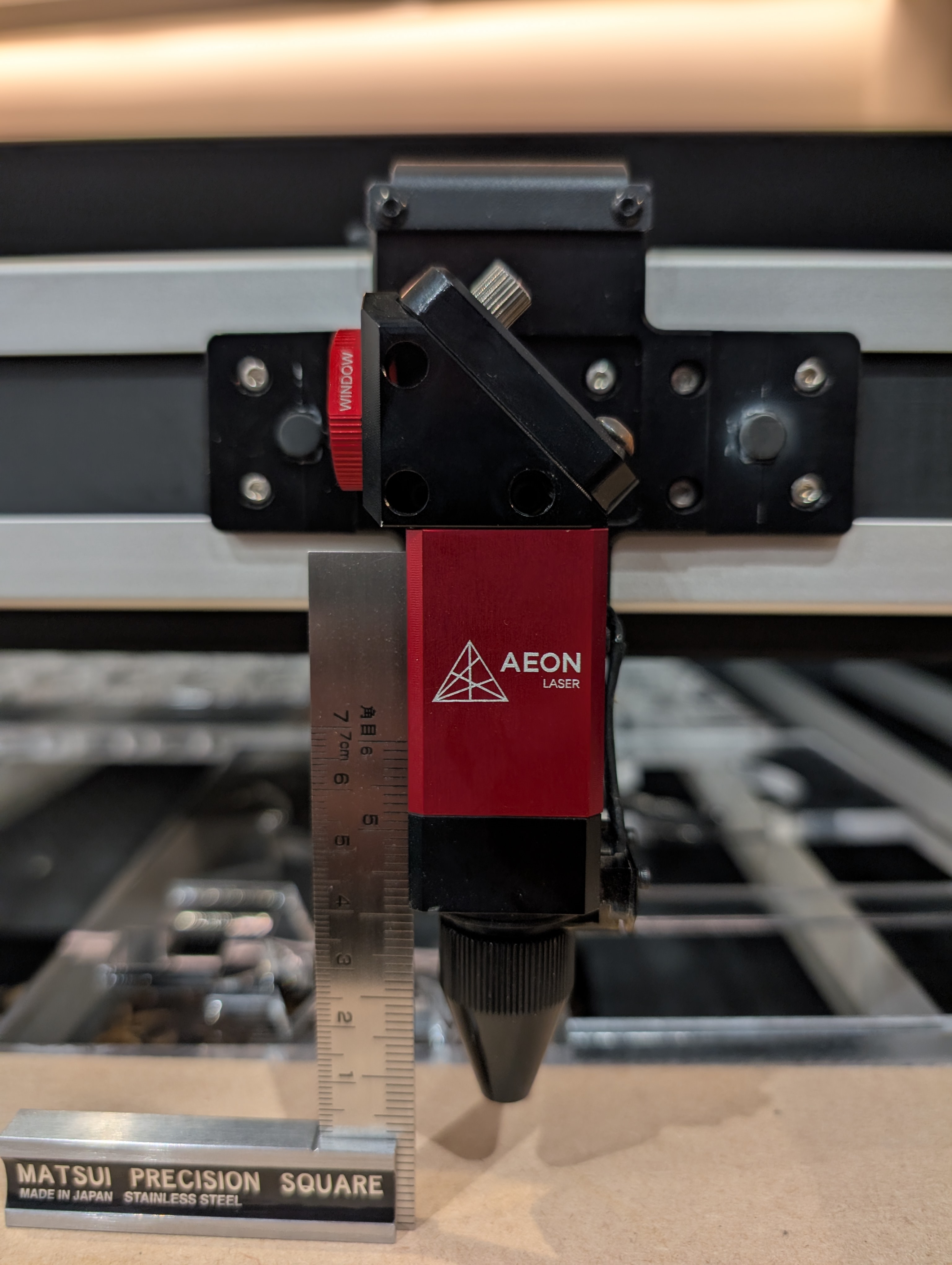
One you are happy it is square retighten the screws.
Be careful it does not move while you do this.
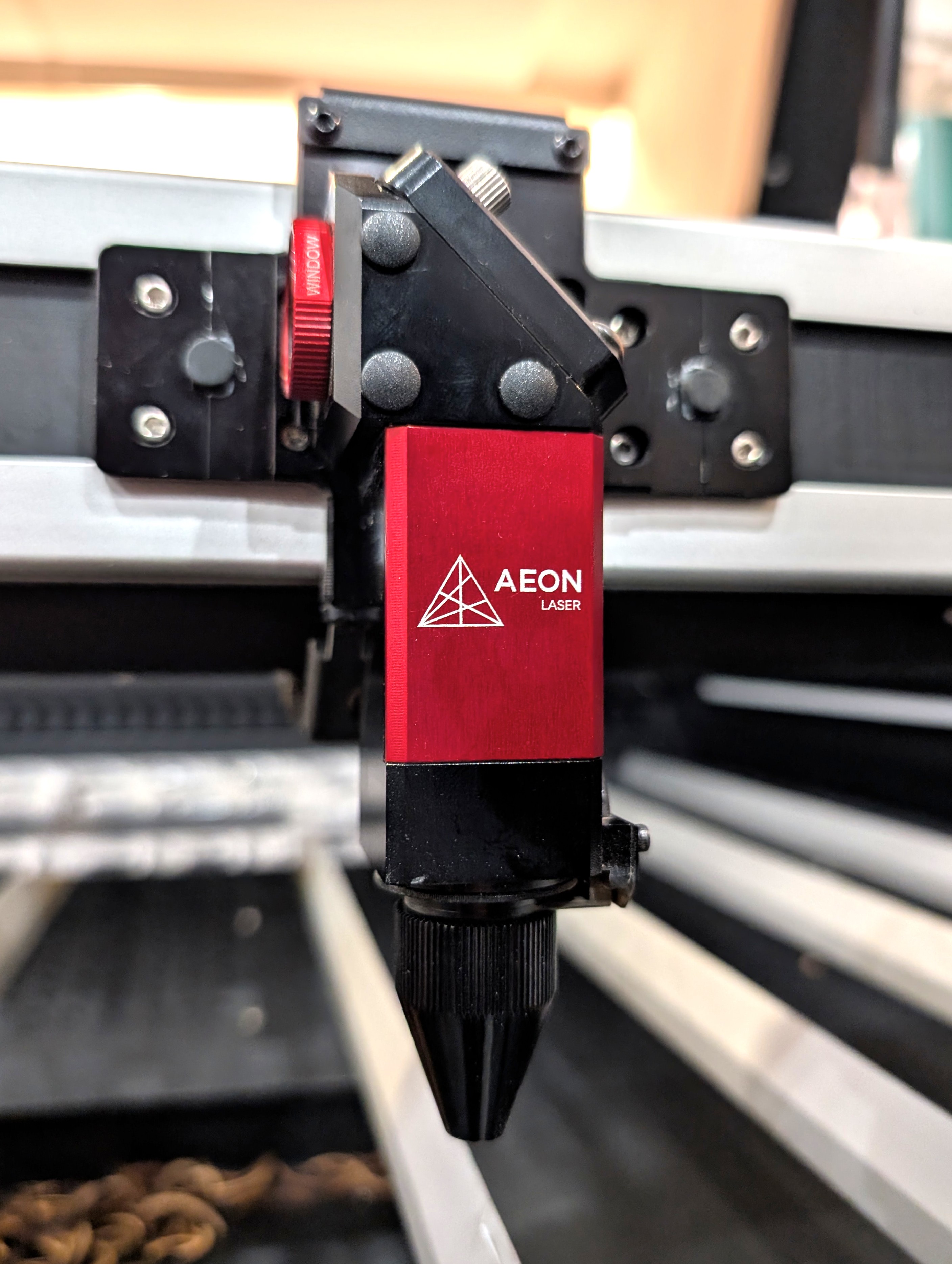
Your laser head should now be nice and square with the bed and produce straighter cuts.
Still not straight? Check alignment, if the laser does not hit the center of the 3rd mirror then the lens will correct at a light angle.
Still not straight? Check alignment, if the laser does not hit the center of the 3rd mirror then the lens will correct at a light angle.
Related Articles
Become an AEON Laser NL Ambassador
Do you own an exsiting AEON LASER, or are looking to buy a new machine and have a following or infulence in the community. Contact us and sign up today for our Ambassador program and earn up to 10% in refferals! https://aeonlasernl.goaffpro.com/How to Print and Cut
How to Align Printed Artwork and Cut Precisely with AEON Laser (Using Red-Dot Pointer & LightBurn) Creating perfectly cut stickers, labels, or printed inserts using your AEON laser is easier than you think — even without a camera. The Print & Cut ...